
AndroidAvailableTeacher Approved
Hangar Learning
Gentle, playful learning for ages 3–5 through pictures, sound and encouragement — no reading required.


Quick access
Quick access from your computer
Scan the code with your phone or use the direct Google Play link.
Install from Google Play
Scan to open the Hangar Learning listing on your Android phone.
Get it on Google Play ↗
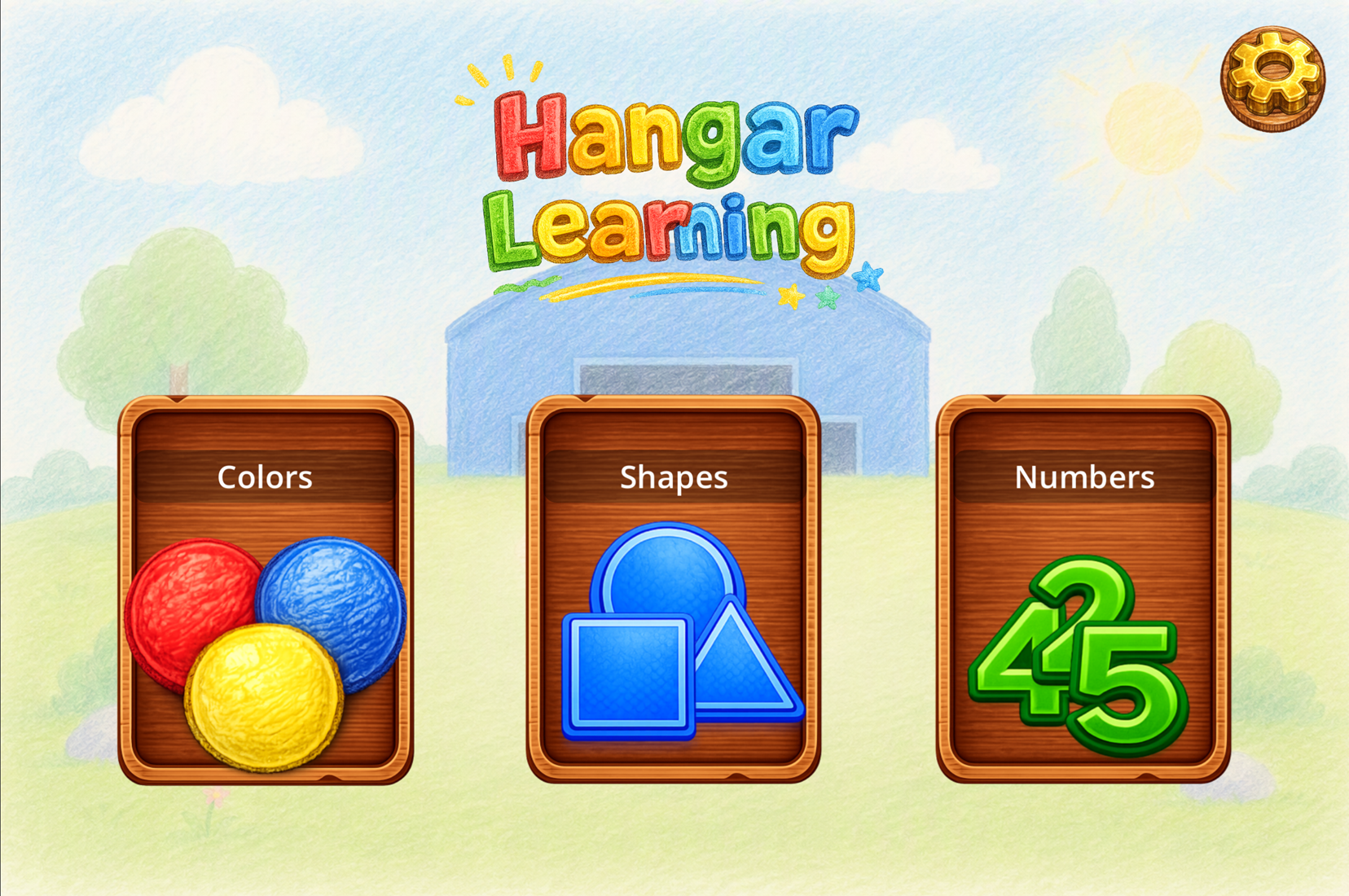
Inside the app
Simple interaction, clear choices
Existing app screens show how practice level, free exploration and parent-facing settings fit into the learning flow.
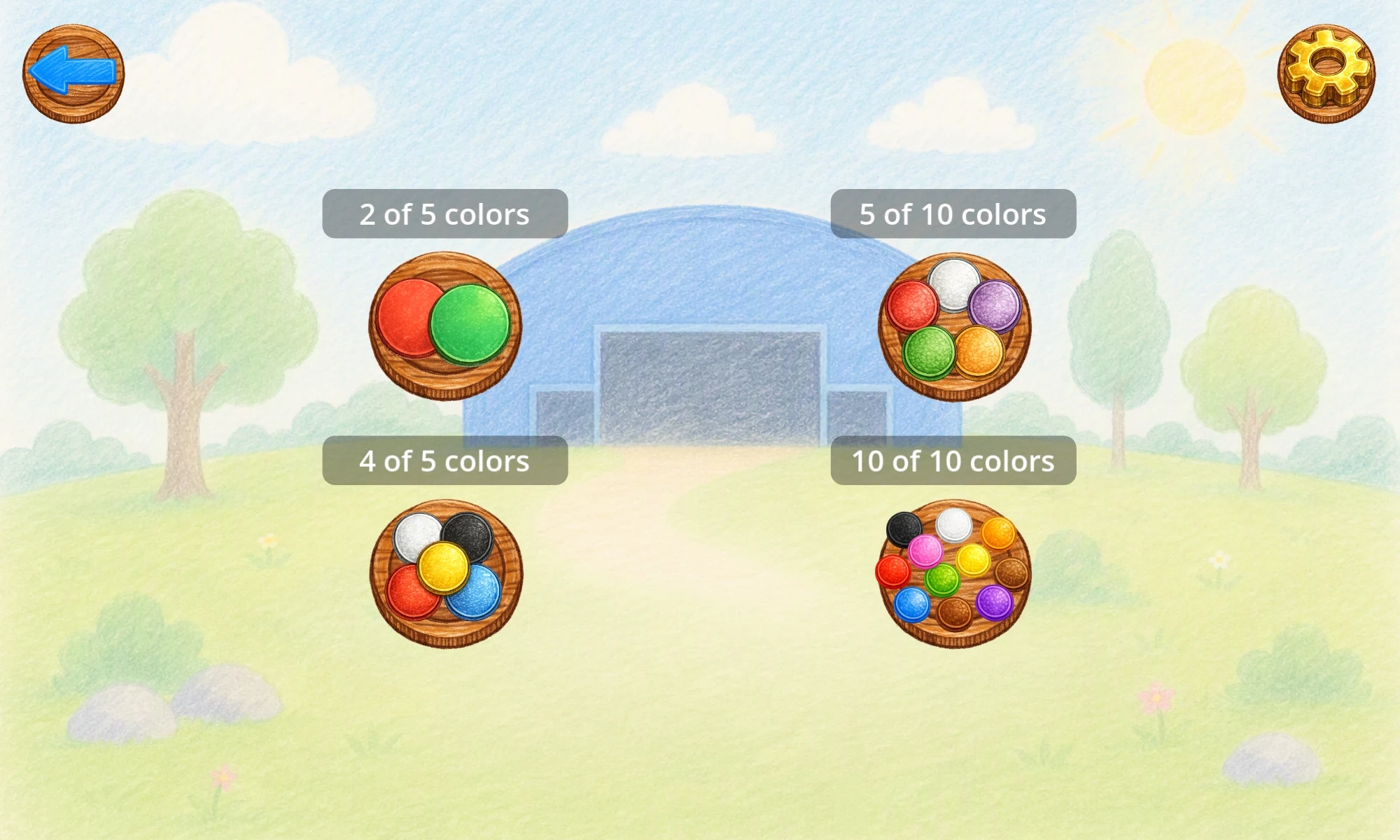
Practice level
Choose how much to practice
Each module offers a couple of difficulty levels with fewer or more items to choose between, so the same activity can stay useful as a child becomes more confident.
Read about difficulty levels →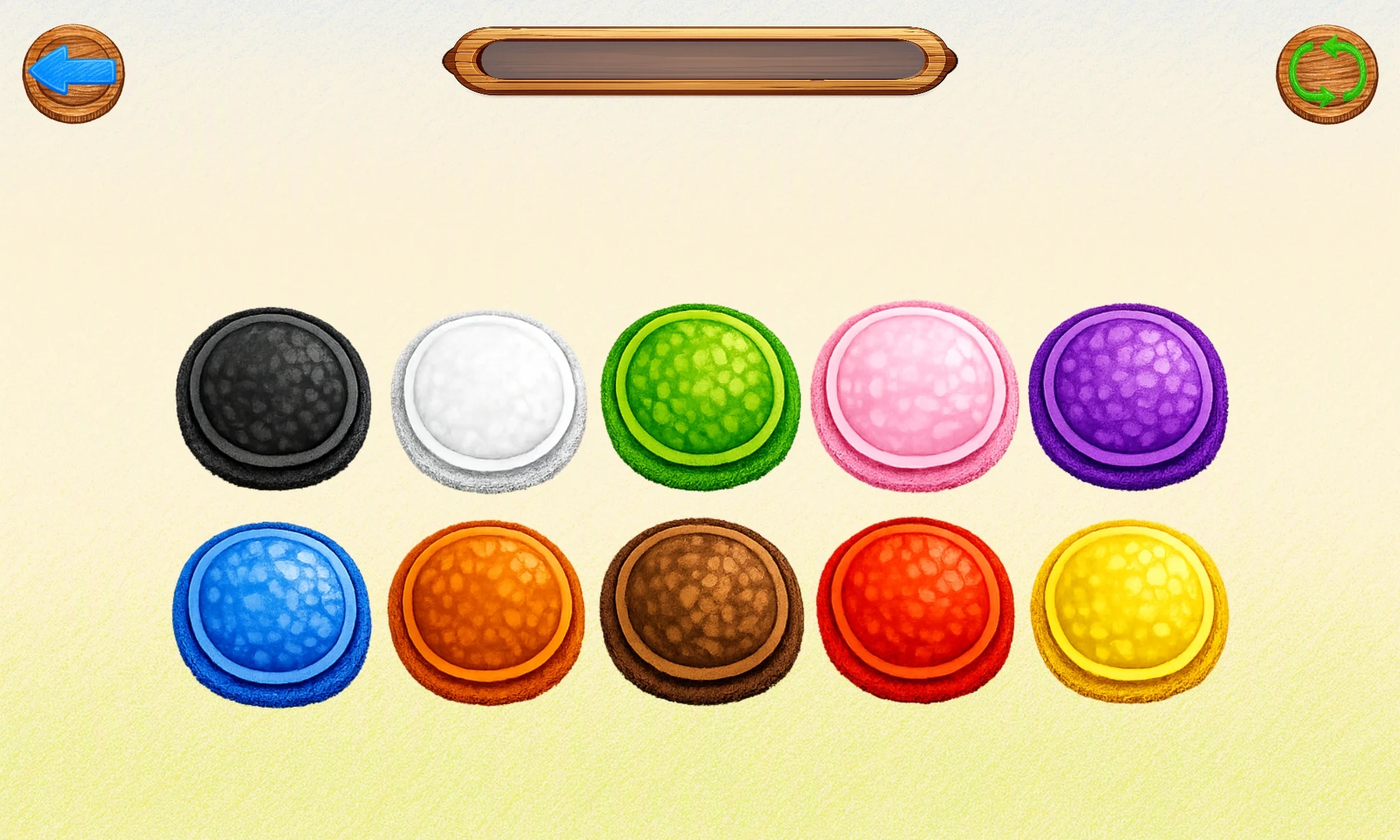
Free Explore
Explore freely, without scoring
Free Explore is a judgment-free space where a child can tap large visual targets and hear their names at their own pace. There is no score and no pressure to finish.
Read the learning-flow guide →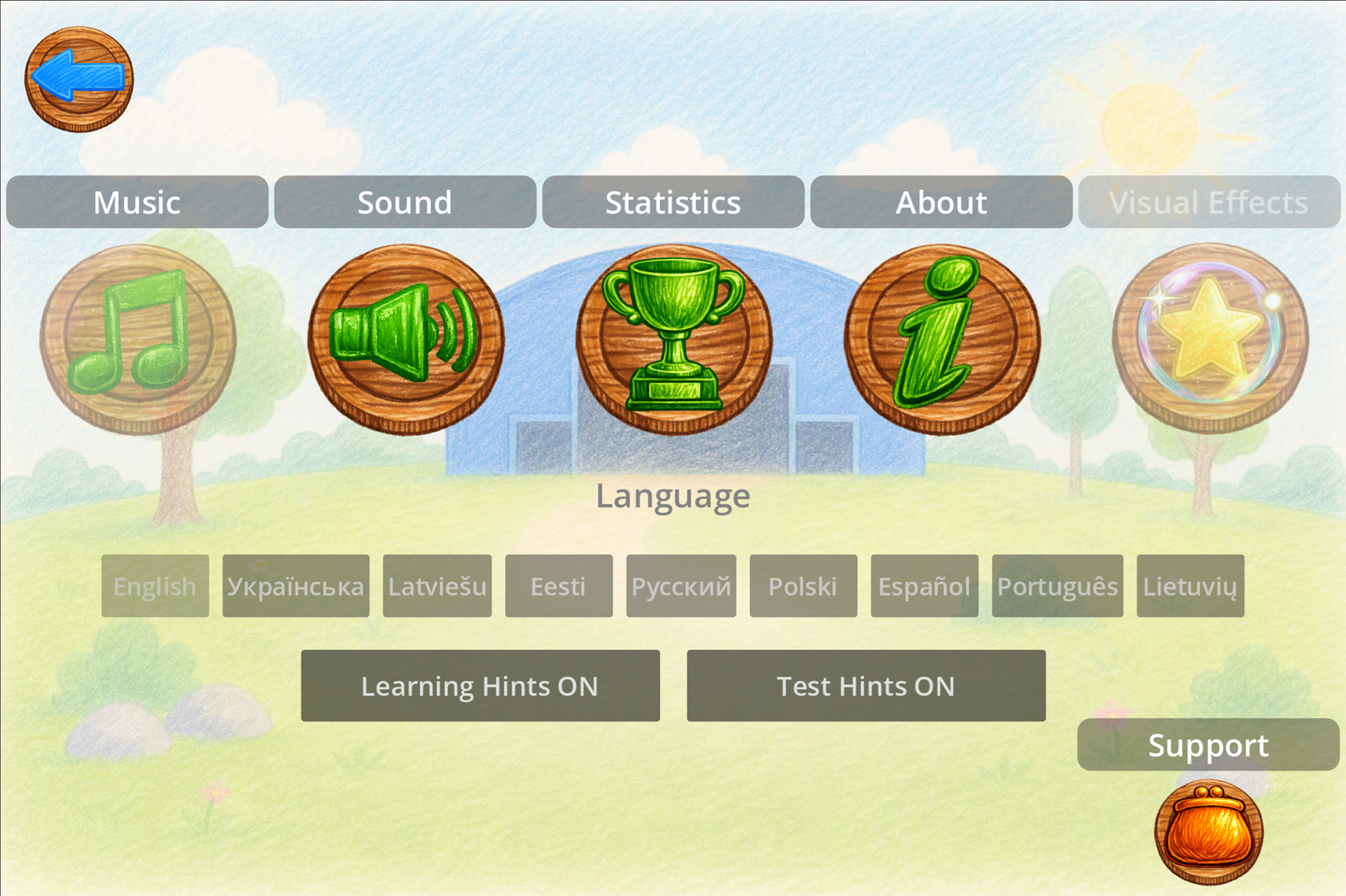
For parents
Settings stay behind a parent check
A simple math-based check protects parent-facing options. From Settings, adults can change language, sound, music and voice hints, review private on-device statistics, or open the optional support screen.
- Statistics stay on the device
- No ads
- No child-facing purchase pressure
Hangar Learning
Learn, explore, then test — without pressure
Each topic follows the same familiar three-stage rhythm. Children can learn one item at a time, explore freely at their own pace, and finish with a light test where a mistake simply means another try.
Learn
A guided introduction where each item is shown and spoken aloud, with a gentle hint always available.
Free Explore
An open, judgment-free space where a child can tap items and hear their names at their own pace, with no scoring.
Test / Play
A light quiz asks the child to find a specific color, shape or number. Correct answers are celebrated; another try is always welcome.
Colors · Shapes · Numbers
Three learning modules available now
Colors
Learn and recognize 10 colors.
Shapes
Learn and recognize common shapes.
Numbers
Learn and recognize numbers.
Test / Play
Progress feels like a celebration, not a scorecard
Completing a Test / Play round ends with a small celebration: a trophy, cheerful music, a one-to-three-star result and a playful animated reward such as balloons. It is intended to feel warm and encouraging rather than competitive or stressful.
For parents
Built with parents in mind
A simple math-based parent check protects Settings and support/purchase screens. Parent-facing controls stay separate from the child’s learning flow.
There are no advertisements anywhere in the app.
Children are not shown locked-content messages or purchase prompts.
Completed tests, average stars and practice totals stay on the device and are not shared online.
Language, sound, music, voice hints, statistics and support controls sit behind a simple adult check.
Support the Developer
Support is optional. Learning stays free.
All current learning content is completely free. A parent may choose a one-time Support the Developer contribution through Google Play, but support is separate from gameplay and learning access.
- No learning module is unlocked, gated or improved by supporting.
- Supporters may receive small visual/cosmetic thank-you extras in the app.
- Those extras do not affect learning, progress, difficulty, statistics or educational features.
Google Play
Available in more languages
Кольори, форми та числа — без реклами, безкоштовно.
Google Play ↗Krāsas, formas un skaitļi — bez reklāmām, bez maksas.
Google Play ↗Kolory, kształty i liczby — bez reklam, za darmo.
Google Play ↗Colores, formas y números — sin anuncios, gratis.
Google Play ↗Cores, formas e números — sem anúncios, grátis.
Google Play ↗Spalvos, formos ir skaičiai — be reklamos, nemokamai.
Google Play ↗Hangar Learning
App details
- Platform
- Android
- Age range
- 3–5
- Learning modules
- Colors · Shapes · Numbers
- Languages
- 9 current languages
- Access
- All current learning content is free
- Advertising
- None
- Data
- Learning statistics stored locally on device
- Support
- info@basehangarworks.com · info@bhw.ee